
Import and Export Lyrics in Setlist Helper for iOS
Importing Lyrics on Your Apple Device
Import should be used if you have PDF, ChordPro, or text files that you want to import into the app.
Open the app on your device and go to the "Songs" list.
Tap the button in the bottom right with three vertical dots.
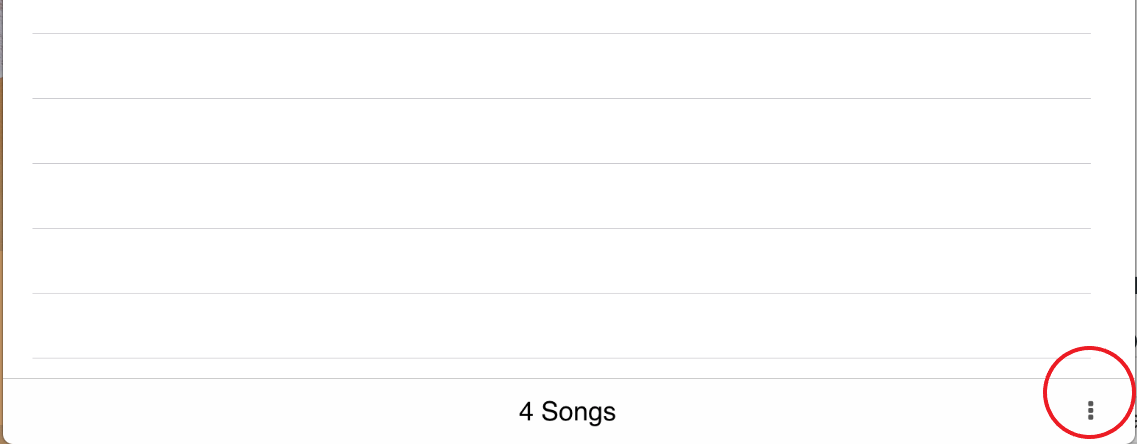
Choose "Import". You will see the following options:
Dropbox
This is the recommended way to import your files. If you import your files from Dropbox, you can easily pull them down to another device including Android devices. See Update Dropbox Files for more details.
After you select Dropbox, you will see the Dropbox File Browser shown below.
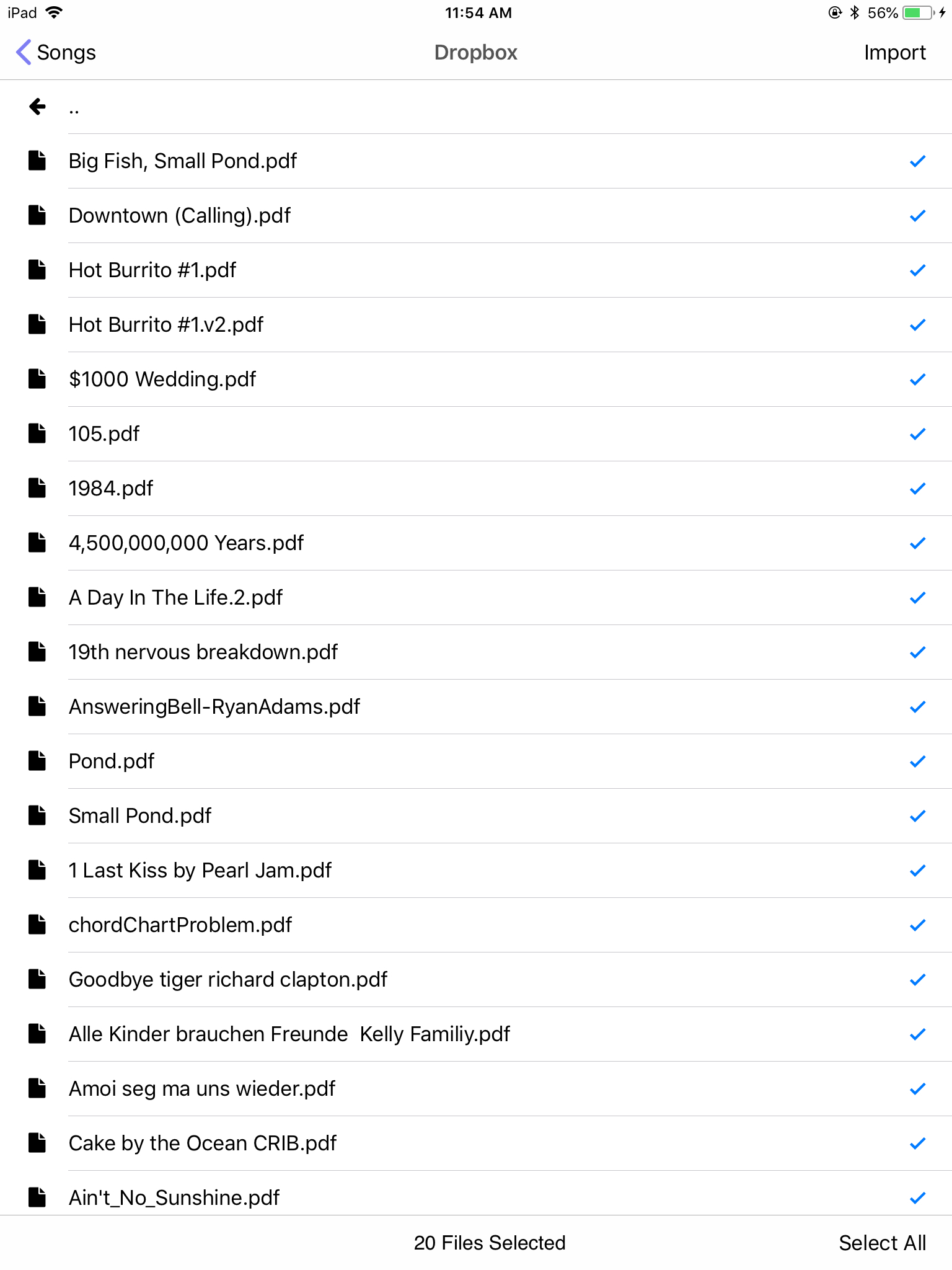
Check the files that you want to import, then tap "Import" in the upper right of your device. When you tap Import, a view will appear that will show you the status of the import.
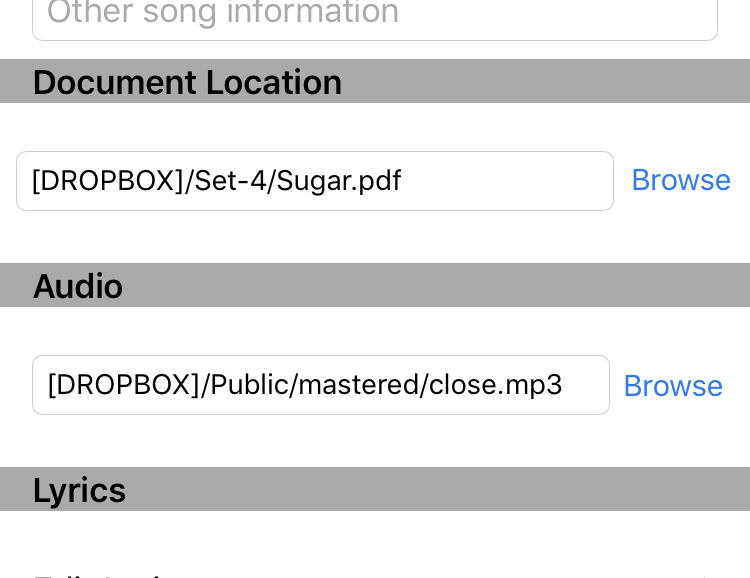
When you import files from Dropbox, the file path will start with [DROPBOX]. The last part of the path is the Dropbox path. You can see this by going to Songs, tapping the circle on the right side of the song, and scrolling down to "Document Location".
File Sharing
Windows File Sharing
Connect your device and open iTunes on your PC. Tap the device icon in the upper left.
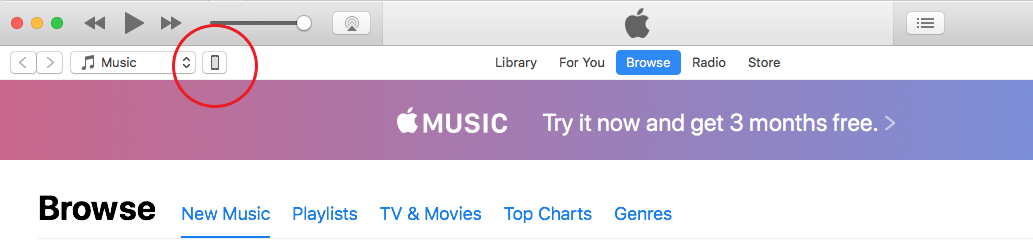
Click on "File Sharing".
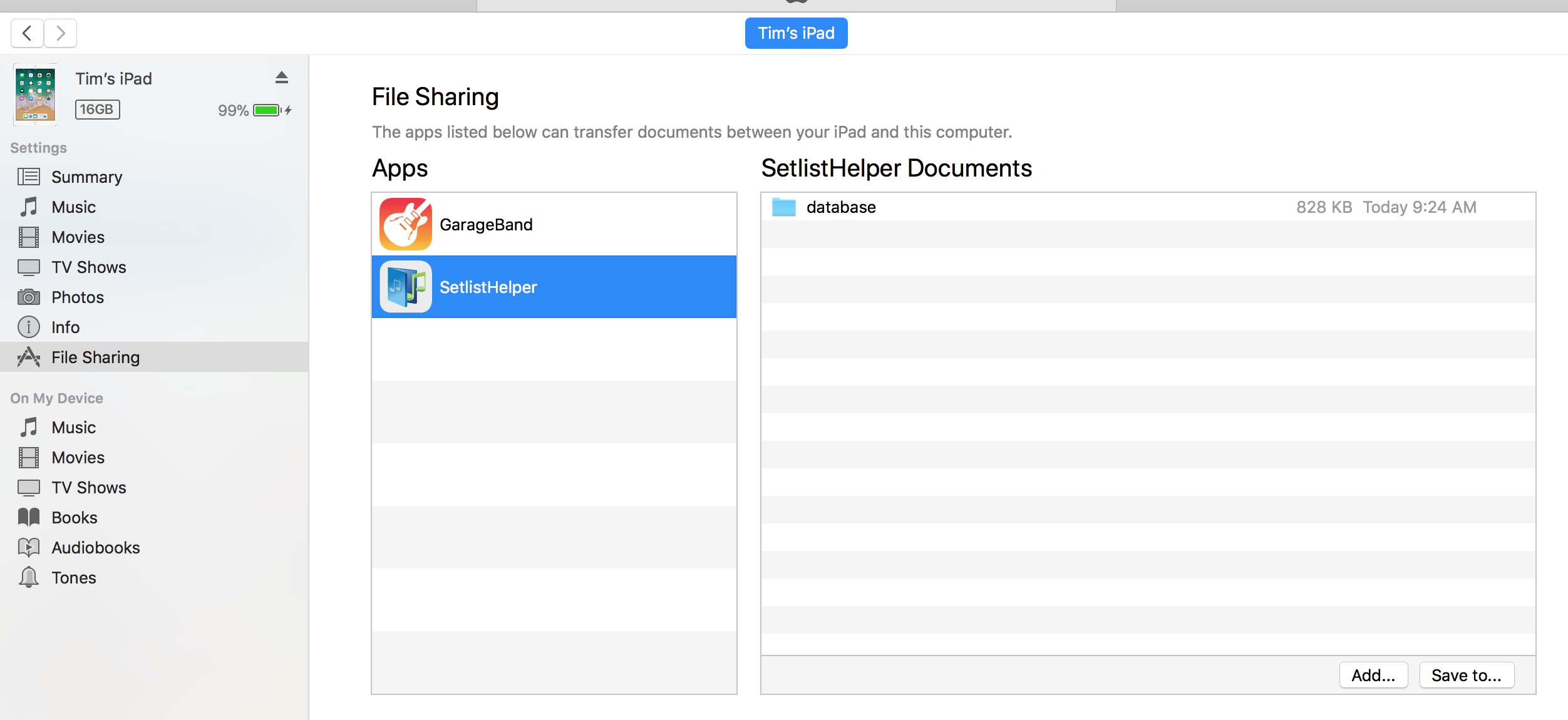
Click the "Add..." button and add a folder from your PC or Mac that contains ChordPro files or text files.
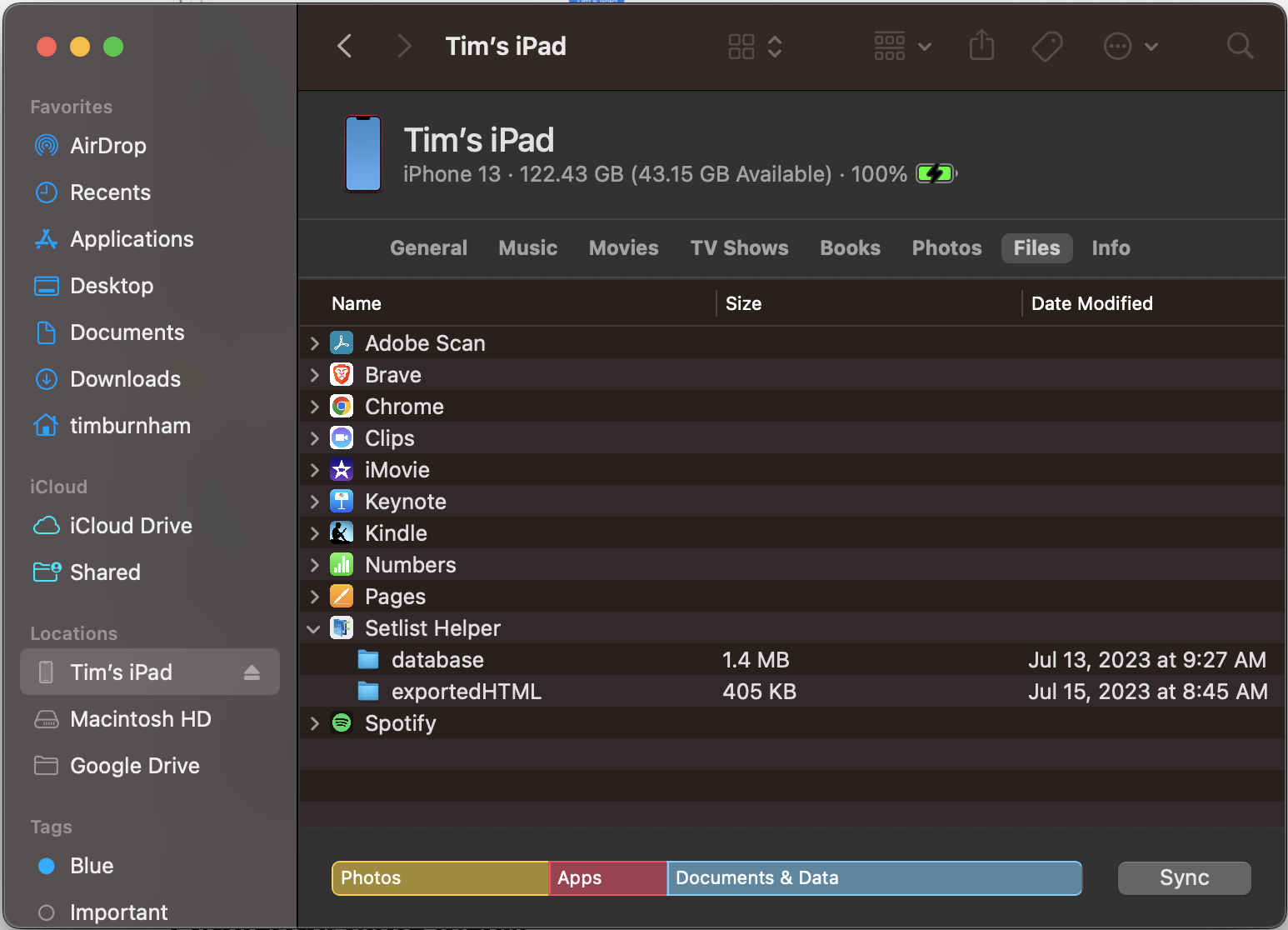
macOS File Sharing
- Connect your iOS device to your Mac.
- Open "Finder". This is the file browser for Mac.
- Click on your device under "Locations".
- Click on the "Files" tab.
- Expand Setlist Helper.
- Drag and drop your files or folder to Setlist Helper in Finder.
- Alternatively, you can click and drag the files off Setlist Helper to back them up.
Exporting Your Lyrics
To export lyrics, tap the button with the three vertical dots at the bottom right of the Songs list. Choose "Export". After you do this, all your songs will be exported to ChordPro format in a folder called "exportedChordPro". You can find this folder by going to File Sharing in iTunes as described above.
You may notice that you already have this folder. Every time you sync, the app will export your lyrics. This is one way of backing up your lyrics only.
After you export the ChordPro files, you can send them to another user that has Setlist Helper to import.


Copyright © 2026 www.setlisthelper.com