
Working with Tags in Setlist Helper for iOS
Tags are meant to be used to organize your songs into categories. Think of tags as categories or folders. For example, you may want to have a subset of songs in categories called Acoustic, Worship, and so on.
To get to the tags, open the main menu and tap "Tags". After you do that, you will see a list of all your tags shown below.
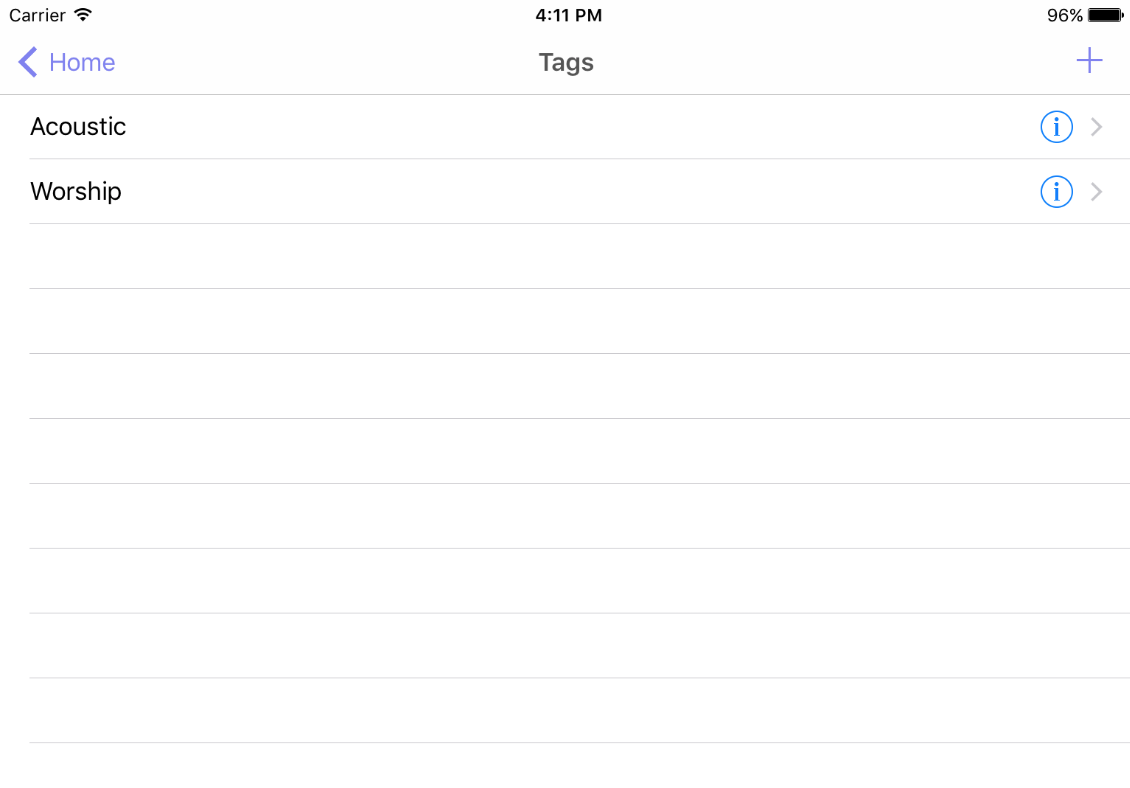
- Adding a tag - Tap the plus button in the upper right. This will open the Add/Edit tag view where you can enter the name of the tag.
- Editing a tag - Tap the info icon to the right of the tag and this will open the edit tag view where you can change the tag name.
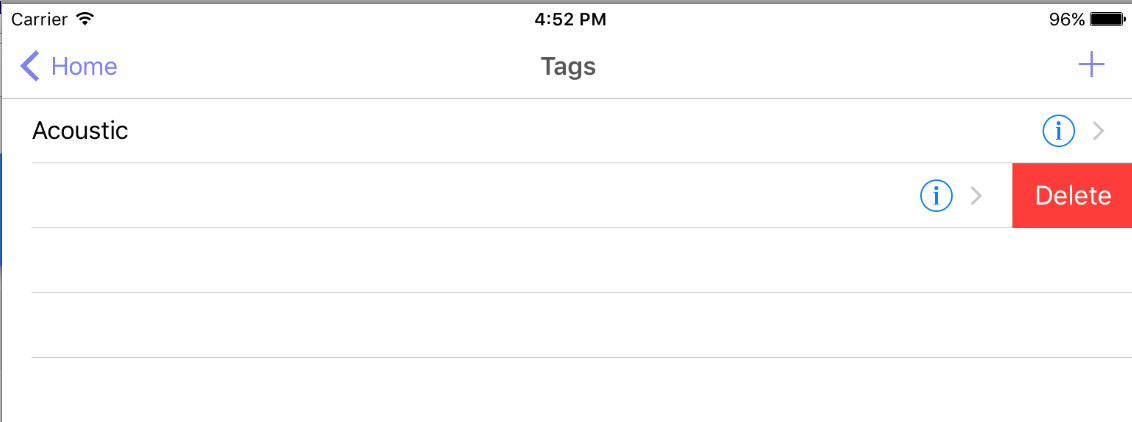
- Deleting a tag - Swipe your finger right to left. This will make the "Delete" button appear. Tap the delete button and the tag and all of the associated data will be removed.


Copyright © 2026 www.setlisthelper.com