
Search for Lyrics
In the Setlist Helper app you can search for lyrics and add them to an existing song or a new song.
Adding Lyrics to a New Song
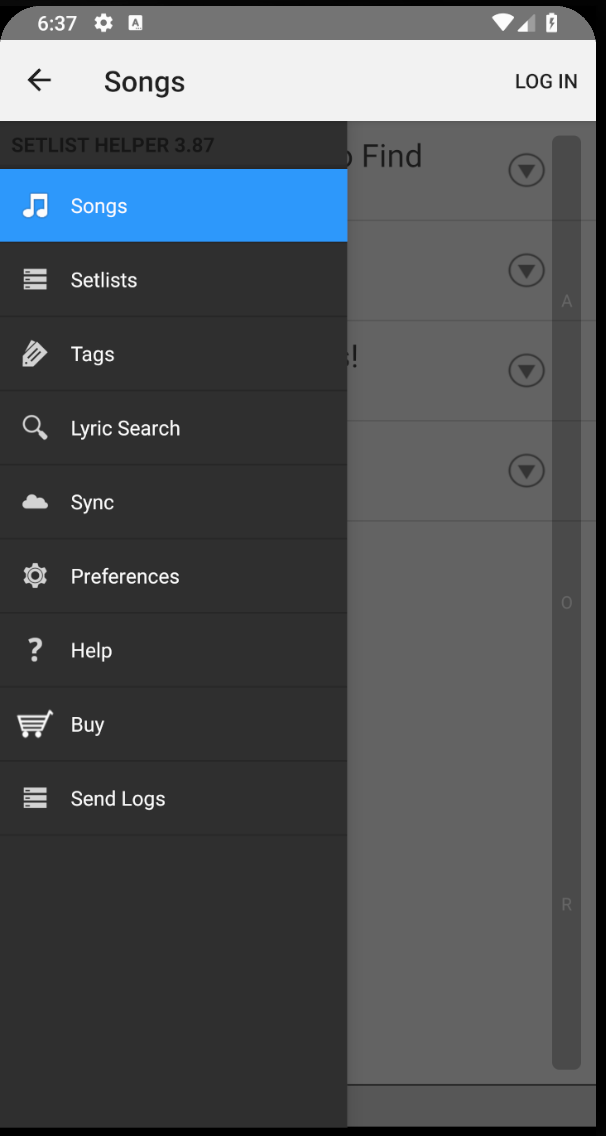
Open the main menu by tapping the upper left of the screen or swiping left to right. Tap the "Lyric Search" button pictured below.
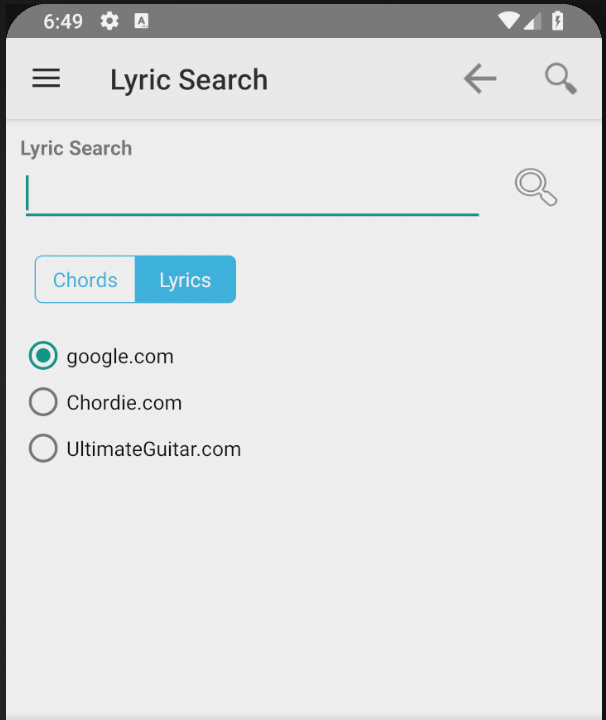
The next screen requires you to type the song you would like to find lyrics for. Google.com is the recommended way to search. It will use Google with certain search terms to find "Lyrics" or "Chords". Tap the magnifying glass next to the search text to initiate the search.
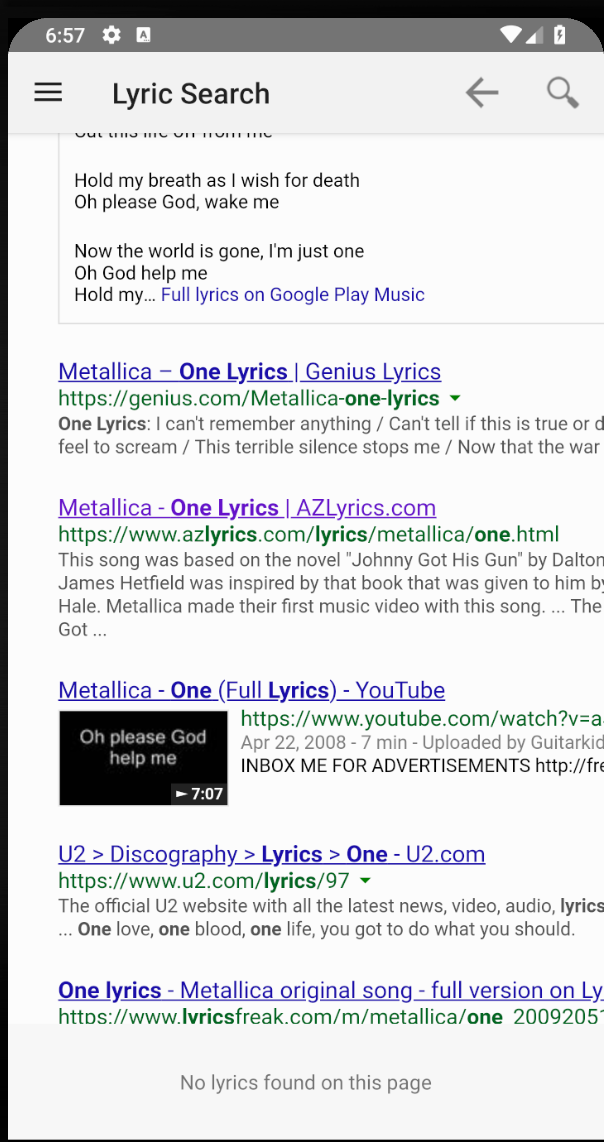
After you initiate the search you will see the results. Setlist Helper will monitor the page while it is loading. The search results page will not have lyrics, so you will see "No lyrics found on this page" in the footer. If you do not see the lyrics that you want, you can search again by tapping the magnifying glass on the top right of the screen, or tap the back button at the top of the screen.
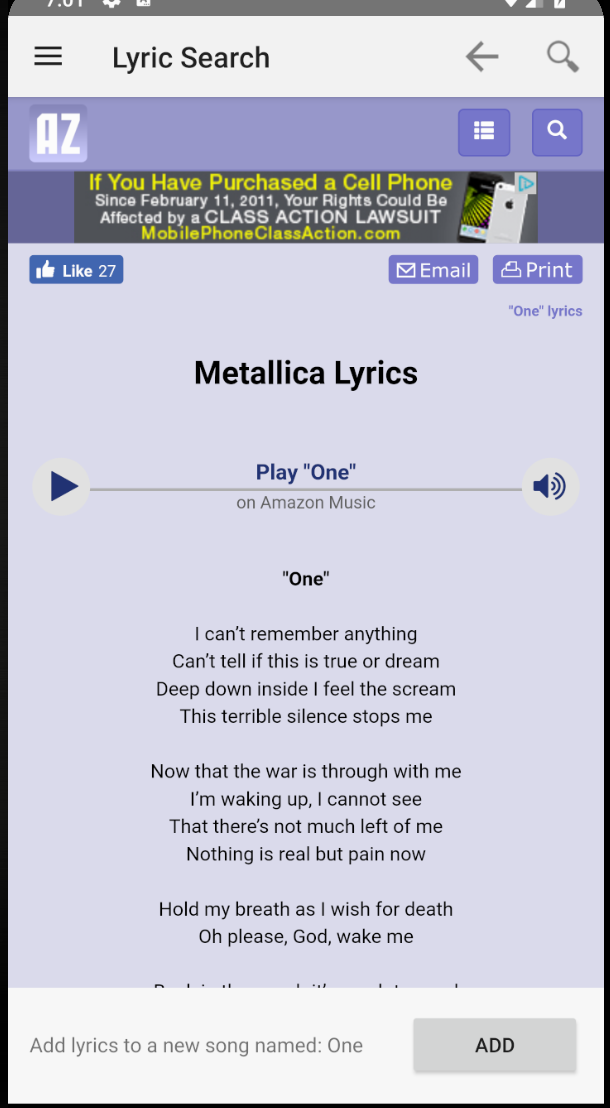
Tap the link of the song you would like to get lyrics for in the search results. This will navigate you to the lyrics of the song. You will see the "Loading..." text on the footer until the page finishes loading. This may take several seconds to finish. Once it is finished you will see an "Add" button. This will grab the lyrics and put them into your song list. Setlist Helper will populate the song name and artist name.
Add Lyrics to an Existing Song
Navigate to an existing song that is in the Song Catalog or in a Setlist. You can tap the button at the right of the song to navigate to the lyrics.

If you navigate to the lyrics screen but the song does not contain lyrics, it will provide you the option to search lyrics or edit them manually. Tap the search button and it will search for the song based on the existing song name.

After you see the search results, follow the steps outlined above for adding a new song.
Important
The lyrics that you search for are the property of the owner of the lyrics. Setlist Helper will not use these lyrics in any way other than to manage them for you.
More search providers will be added in the future. If you would like to request a search provider, email us at support@setlisthelper.com.


Copyright © 2026 www.setlisthelper.com