
Changing Scale in Setlist Helper for iOS
To get the lyrics to the size you want, the scale of the view needs to be changed. The easiest way to do this is:
- Tap the upper left of the lyrics screen to decrease the size.
- Tap the upper right of the lyrics screen to increase the size of the lyrics.
You can also change the scale by tapping the "aA" button on the bottom toolbar shown below.
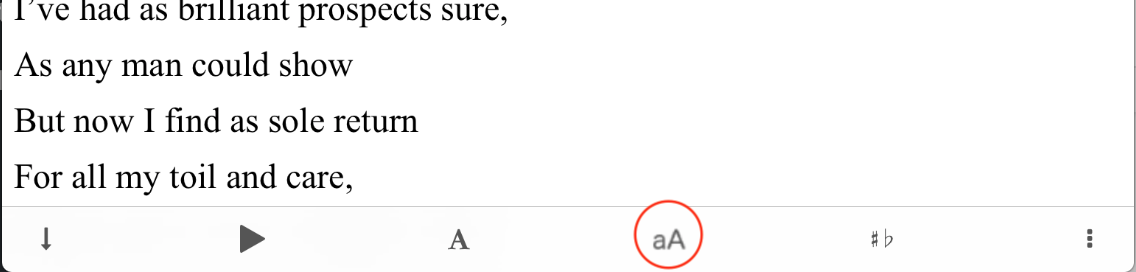
When you tap the button above, the change scale toolbar will appear. Tap the + or - button to adjust the view.
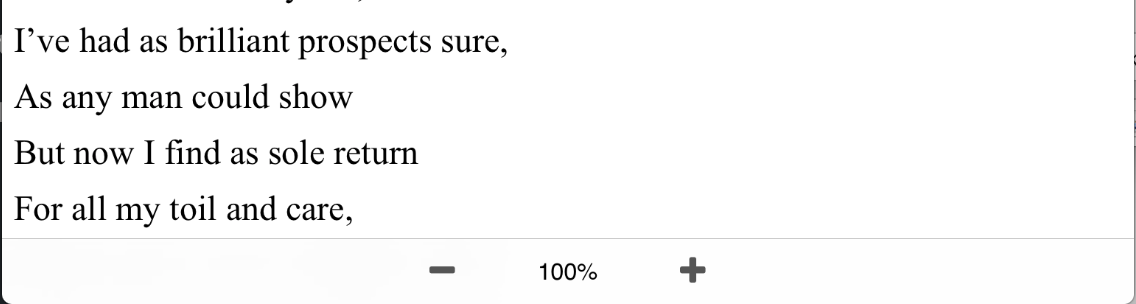
To close the toolbar, tap anywhere outside of the toolbar. After you make changes to the view scale, they will be saved the next time you view the lyrics.


Copyright © 2026 www.setlisthelper.com