
Auto-Scroll in Setlist Helper for iOS
To start auto-scroll in the app, you need to tap the button circled below.
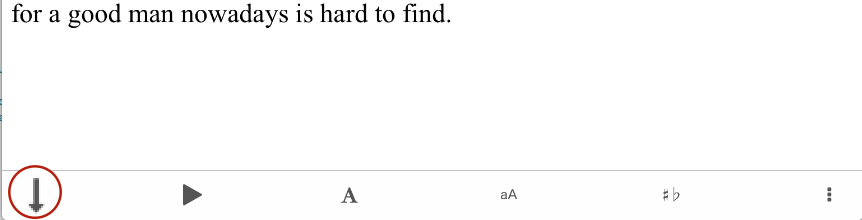
This will open the auto-scroll toolbar.

Tap the + or - icon to change the speed of the scrolling. When you change the speed, the scroll speed will be saved for this lyric only. Tap the stop button to stop scrolling. When the page has scrolled as far as it can go, the toolbar will close.
After you have adjusted your scroll speed, there is no need to go through these steps again. Double-tap the screen to start auto-scrolling.


Copyright © 2026 www.setlisthelper.com